
Back in September, we announced that Pave Agent, your AI compensation analyst, could finally be accessed from tools like Claude over MCP, the open standard for connecting AI clients to external data and capabilities.
Today, we’re excited to announce that the process of onboarding your new agentic hire is now remarkably easier for our customers who use Claude. Where you once had to vet the candidate yourself, run reference calls, and ensure a safe commute before you could welcome them onto the team, Pave Agent is now eagerly knocking, coffee in hand, ready to tackle your most complex compensation problems. All you have to do is answer the door.
How To Connect
If you use Claude for your day-to-day AI workflows, the process to connect The Pave Agent MCP should be very familiar:
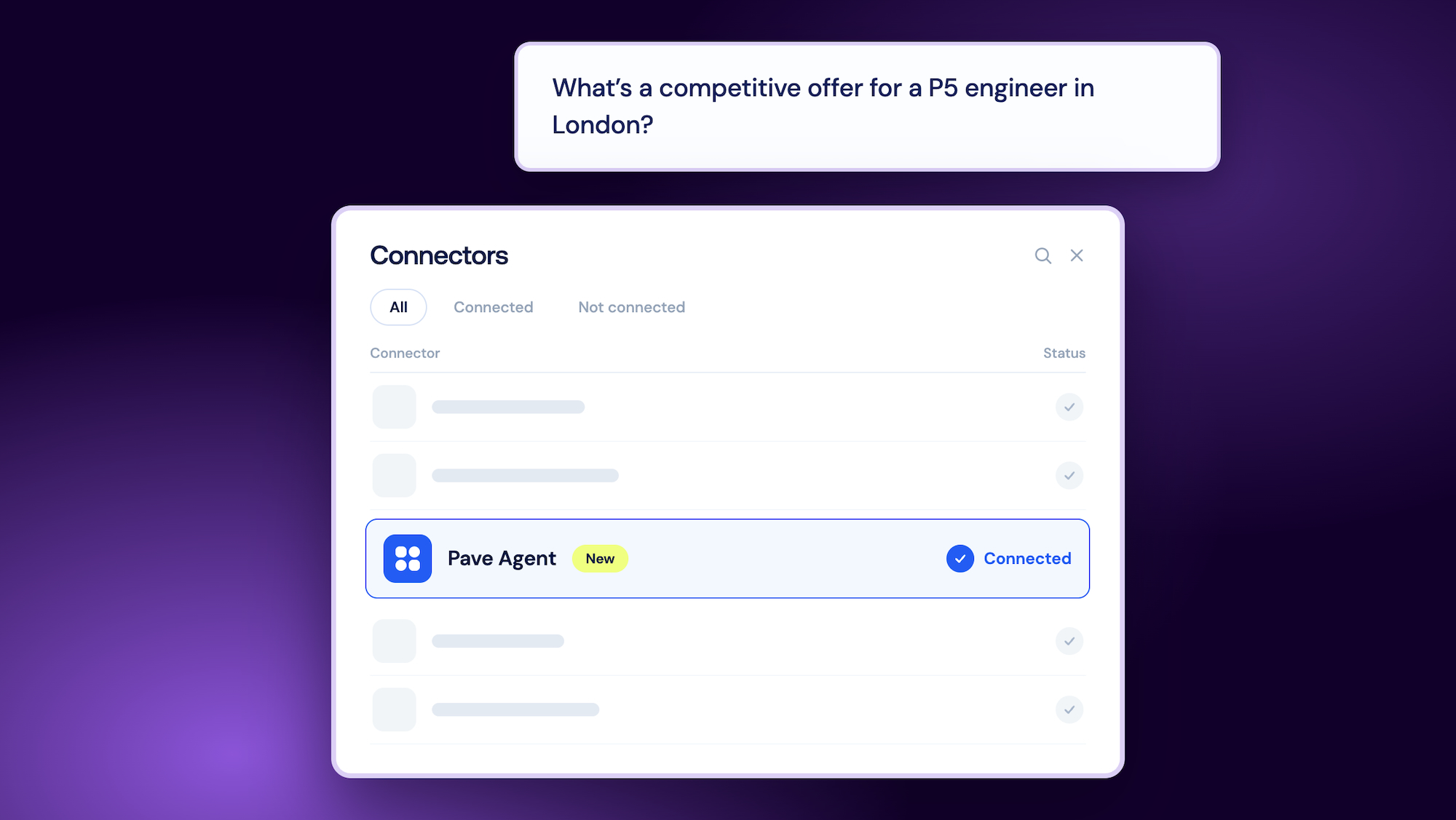
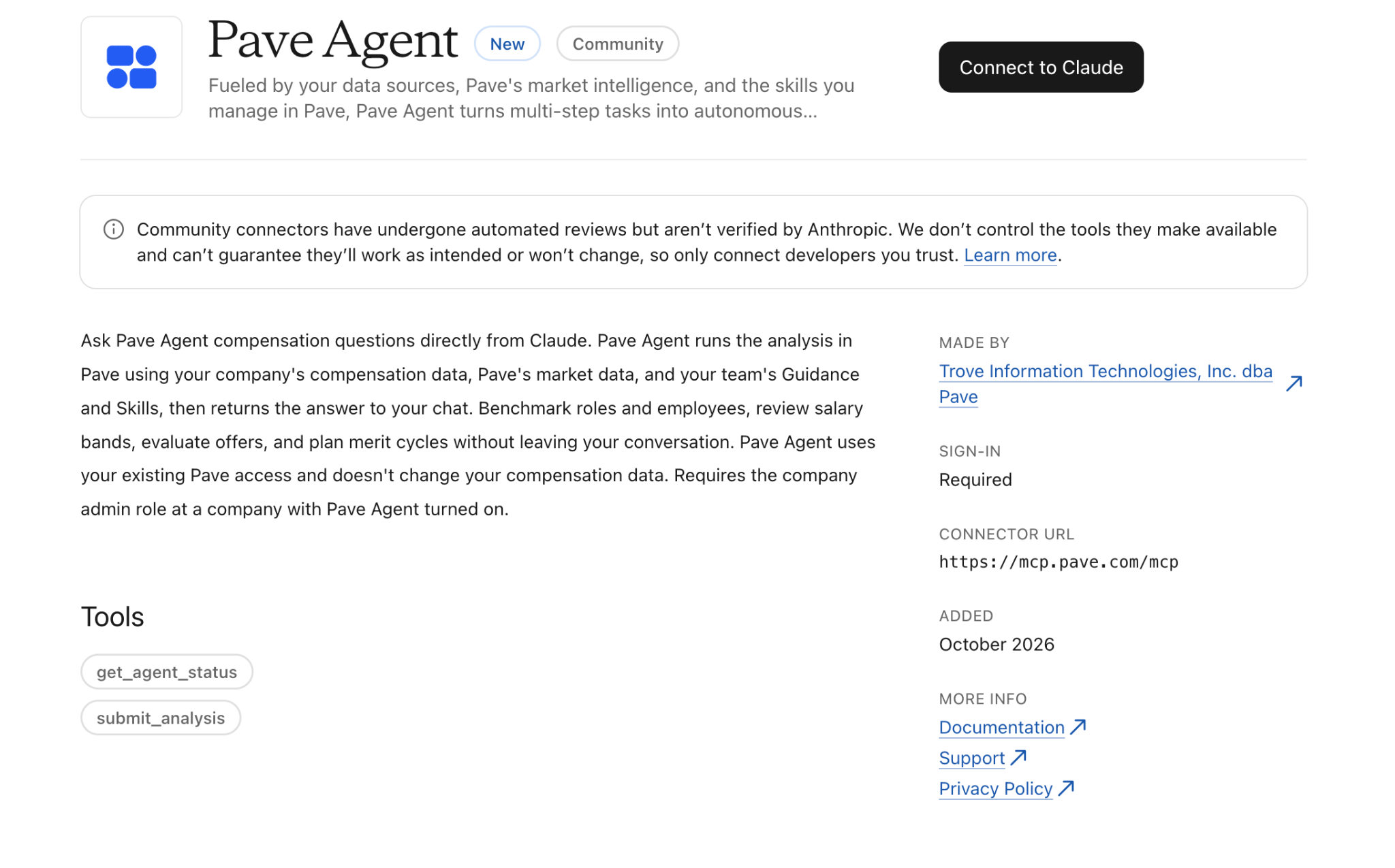
- Open the Pave Agent listing in Claude's connector directory. You can also find it in Claude: open Settings, then Connectors, choose Browse connectors, and search for Pave Agent.
- Choose Connect and log in to Pave.
- That’s literally it! We just added a third step to make this list feel more complete.
If you use different AI tooling, we still recommend the extended approach as outlined in our support documentation, but rest assured that we intend to bring Pave Agent to you no matter where and how you work.
What You Can ask Pave Agent over MCP
If you have all your compensation data sources flowing into Pave and have administrator privileges, you can ask Pave Agent to run any number of analyses.
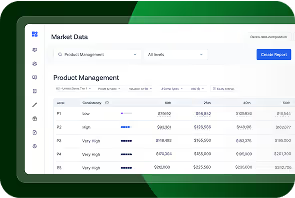
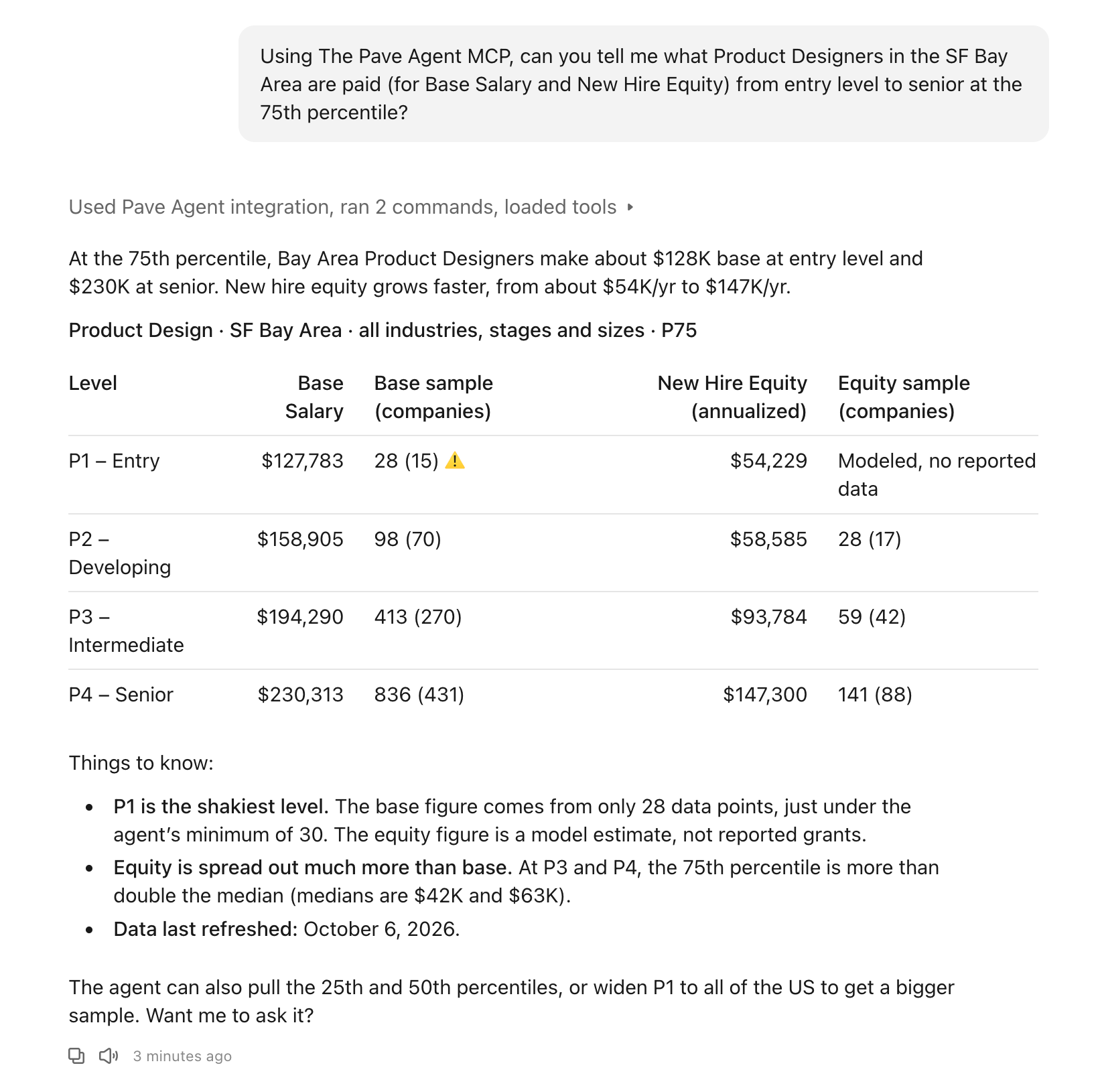
Are you working through a repricing exercise for one of your pay bands, wanting to make sure you’re all lined up with the broader market? Ask the Pave Agent MCP to pull the latest Market Data benchmarks into your Claude chat and compare it to your internal data.
Or maybe you’re wondering if last year’s merit cycle had a typical spread of performance scores based on global market insights. The Pave Agent MCP can help you compare your distribution to the insights that Pave has curated.
The beauty of the Pave Agent MCP lies in its simplicity: you can ask it anything you would typically ask Pave Agent directly when you’re using Pave. It can help with all kinds of tasks—except maybe painting the walls in the conference rooms.
How The Pave Agent MCP Will Get Even Better
In addition to bringing the Pave Agent MCP to other “one click” connection marketplaces, in the near term, we’re looking forward to teaching your AI compensation analyst about the various permissions and privileges that different roles in your organization carry. This will ensure that, no matter who on your team is using the Agent (whether in Pave or via the MCP), they’ll be accessing exactly the compensation data to which they are entitled.
Our vision for the Pave Agent MCP also includes giving it a set of tools to write back to your Pave configuration so that you can modify pay bands, update merit cycle recommendation logic, and so much more, all from the comfort of your usual workspace.
As for painting walls? Yeah, we’ll leave that one to the interior decorators.

Mike is an Engineering Manager at Pave, overseeing the Market Data and Pave Agent teams. He studied math in school, spent a decade working in E-commerce and EdTech, and sings at every team meeting that he possibly can. Strengths include software engineering fundamentals, building AI compensation tools, and confidently posting jokes that don’t land.