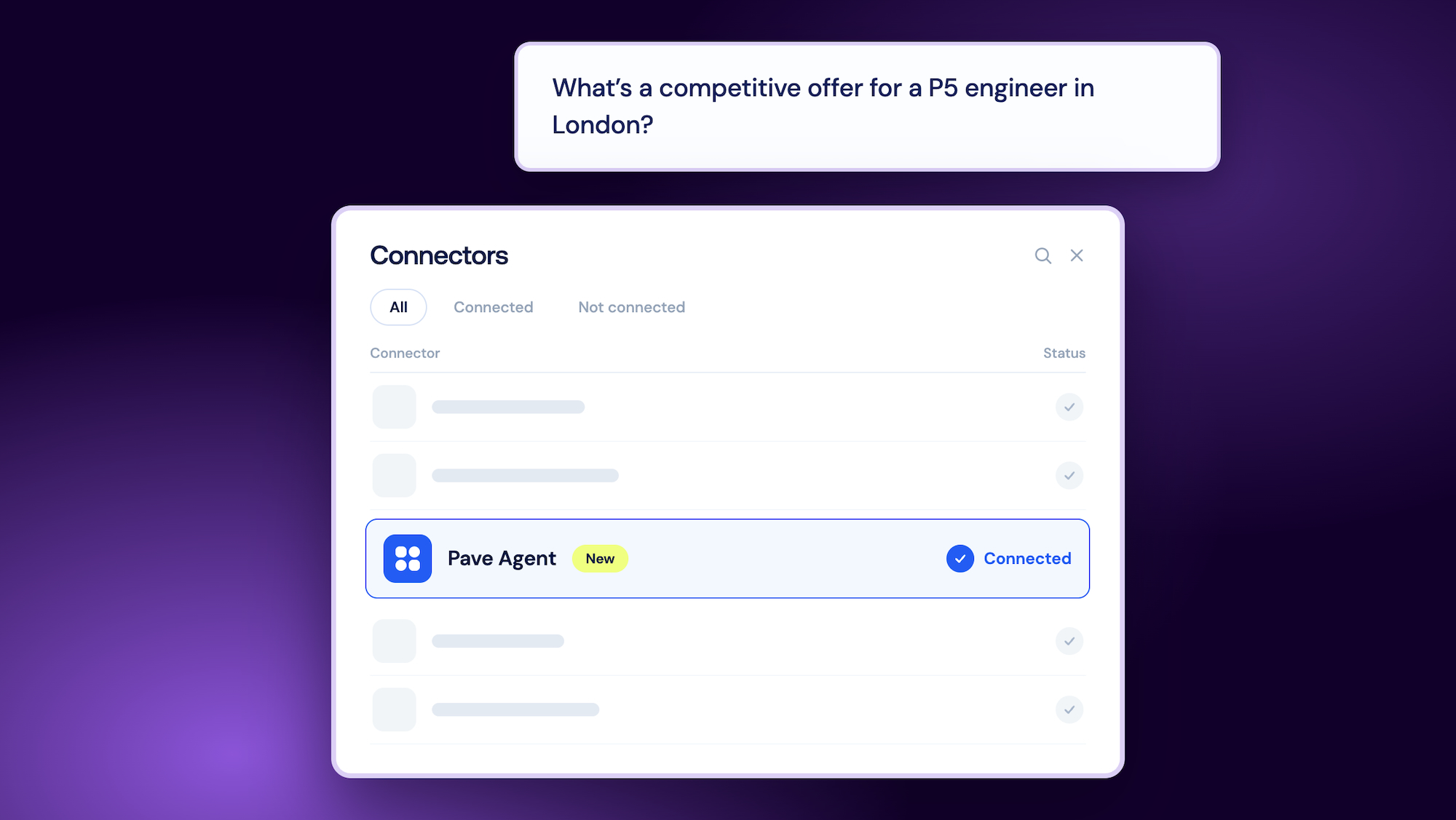

When the Pave Agent first started working via MCP, you could only ask it a comp question from Claude without switching tabs. Now, just a few weeks later, it’s available in more places.
Pave Agent MCP now available in more places
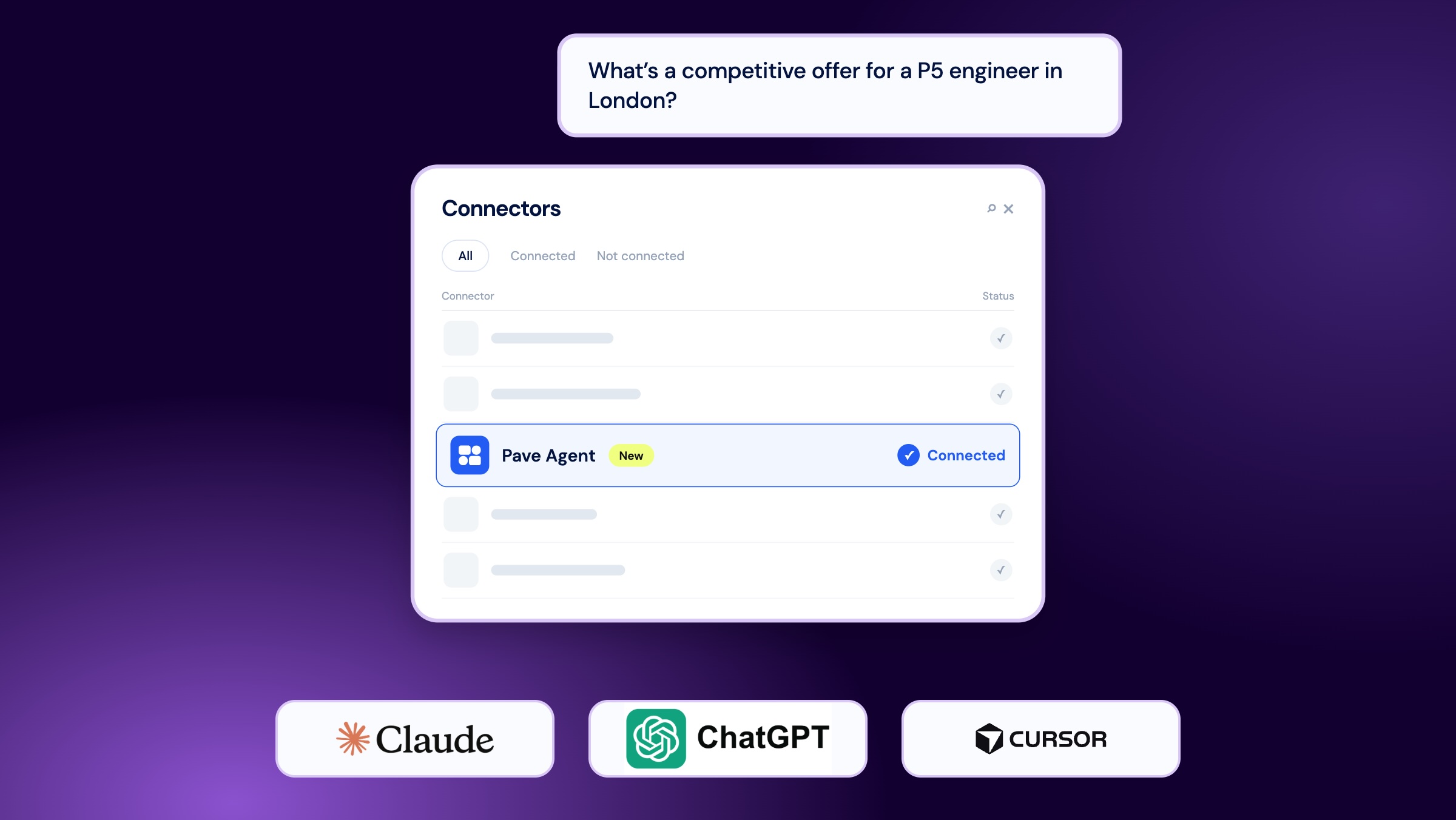
You can now use the Pave Agent connector in:
- Claude, in the web and desktop apps
- Claude Code
- Cursor
- ChatGPT
It works the same way as before, but now you have more options for where to use it. For example, if you’re working in Cursor on a leveling spreadsheet for engineering and need a quick benchmark to check a band, you can ask right there without opening a new tab for Pave.
How it works
Your assistant starts the analysis, then hands it off to the Pave Agent, which does the work inside Pave using your access, your company's data, and your Guidance and Skills, just as if you asked directly in Pave. Your assistant checks in while it runs and shows you the answer when it’s ready. A focused question can take seconds, while a more complex one might take a few minutes.
What's different from asking in Pave directly
Some features aren’t available through MCP yet. Answers come back as text only. Source tiles, generated files like decks or dashboards, and CSV downloads aren’t included, so you’ll need to ask in Pave directly for those. Each question you ask through your assistant also starts a new Pave Agent conversation, so it won’t remember earlier questions in the same chat. It’s best to include all the details that matter, like job family, level, location, and time period, in each question. We’re working on closing that gap.
Everything you ask through an assistant still shows up in your Pave Agent history in Pave, so you can always pick up a follow-up there with full context.
Getting connected
You’ll need company admin access in Pave and the Pave Agent connector turned on for your company. You can find the full setup steps for each assistant here.
For deep comp work, you’ll still need to use Pave. This update is for those times when you’re working elsewhere and want to stay focused.

Pave is a world-class team committed to unlocking a labor market built on trust. Our mission is to build confidence in every compensation decision.