The 5 Pave Agent Prompts You Need 60 Days Before Your Comp Cycle

Your compensation cycle starts in two months. Managers haven’t received worksheets, Finance hasn’t requested budget scenarios, and no offers have been escalated. This is the calm before the merit cycle storm, so it’s the best time to spot what needs fixing.
Most teams use this time for logistics like timelines, planner lists, and kickoff emails. These are important, but the issues that disrupt a cycle often come from deeper structural problems. Bands can drift from the market, benchmarks may rely on weak data, roles might be in the wrong grade, and people can fall behind without anyone noticing until a manager brings it up during the cycle.
If you find these issues now, you have time to fix them. If you find them during the cycle, they turn into escalations.
Get started early to set yourself up for success
With sixty days to go, you can still adjust a band, update a benchmark, or move a role before it appears on a manager’s worksheet. At thirty days, the focus shifts to budget. Once the cycle launches, the structure is set, and any missed gaps become a manager’s issue.
Four questions are worth answering now:
- Are our bands still in line with the market?
- Can we trust the data behind them?
- Are our roles in the right place in our structure?
- Who is already behind before the cycle even starts?
Each question depends on your own data: your bands, your people, your market benchmarks, and your pay philosophy. That’s why generic AI tools struggle to answer them, but Pave makes it easy. Pave connects to your HRIS and market data, so Pave Agent uses your current bands and employee records instead of last quarter’s spreadsheet.
How to use these prompts
Copy each prompt into Pave Agent and replace anything in [brackets] with your own details. Be specific, because a vague prompt will give you a vague answer. Each prompt is designed to give you a finished output, like an executive summary, a dashboard, or a chart you can share with your team.
Before sharing any answer, review it. Every Pave Agent response shows the data sources it used, so a quick check only takes a few minutes:
- Confirm the sources and benchmarks it used are the ones you expect.
- Check the job match on two or three roles you know well.
- Spot-check one band or one employee against what you'd expect to see.
Pave Agent makes recommendations and shows how it reached them. You and your team decide what to change.
{{mid-cta}}
Prompt 1: Diagnose organizational health
If you only use one prompt this month, make it this one. It gives you a ranked list of what needs attention before launch, so you know where to focus over the next eight weeks.
Review my organization ahead of our next compensation cycle, which opens on [date]. Surface the five most important issues to address before launch, such as bands that have drifted from market, possible pay inequity, employees at or near their band maximum, and upcoming vesting cliffs. Show the data behind each issue and put the results in a one-page executive summary I can filter by location and job family.
What you'll get: an executive summary with up to five ranked issues, the data behind each, and filters so you can see where a problem is concentrated.
Next, ask about any issue on the list, like "Show me the employees behind issue 2." The rest of the prompts in this post explore these issues in more detail.
Prompt 2: Benchmark bands against market alignment
Markets change faster than most teams update their bands. The real question isn’t if some bands have drifted, but which ones, by how much, and what it would cost to close the gap.
Score each of my live bands against our current market benchmarks. Flag bands whose midpoints sit 5%, 10%, or 15% or more below market, and group them by job family so I can see which functions are most affected. Then estimate the cost to bring each group to benchmark, in dollars and as a share of total payroll.
What you'll get: a band health view that sorts bands into risk tiers, a breakdown by job family, and a cost estimate for each tier.
Why share of payroll matters: A fix that adds 10% to payroll is a very different conversation with Finance than one that adds 0.5%. Seeing both numbers now helps you decide which bands to fix before the cycle and which can wait. The estimate is just a model to guide your decision, not a final plan.
Prompt 3: Audit the data behind your benchmarks
A band is only as strong as the benchmark behind it. If data sources disagree, a job match is a stretch, or a benchmark is based on a small sample, these are the first numbers a skeptical executive will question.
Audit the market data behind my bands. Show me where my data sources disagree most on pricing for the same job, where job matches look weakest, and where a benchmark rests on a small sample. Rank what I should review first and keep the explanation short.
What you'll get: a short, ranked list of data sources to review, with the reason each one was flagged.
What to do with it: Review the top few with whoever manages your market data. You might re-weight a source, pick a closer job match, or accept the benchmark and note your reasons. Either way, you’ll start the cycle knowing which numbers you can stand behind.
Prompt 4: Identify misplaced jobs
Over time, the market for some roles changes faster than the grades they’re assigned to. A role that fit grade 6 two years ago might now be closer to grade 7. If you don’t catch this, it shows up in the cycle as compa-ratios that seem off and managers asking for exceptions. A quick review of your job architecture can catch these issues early.
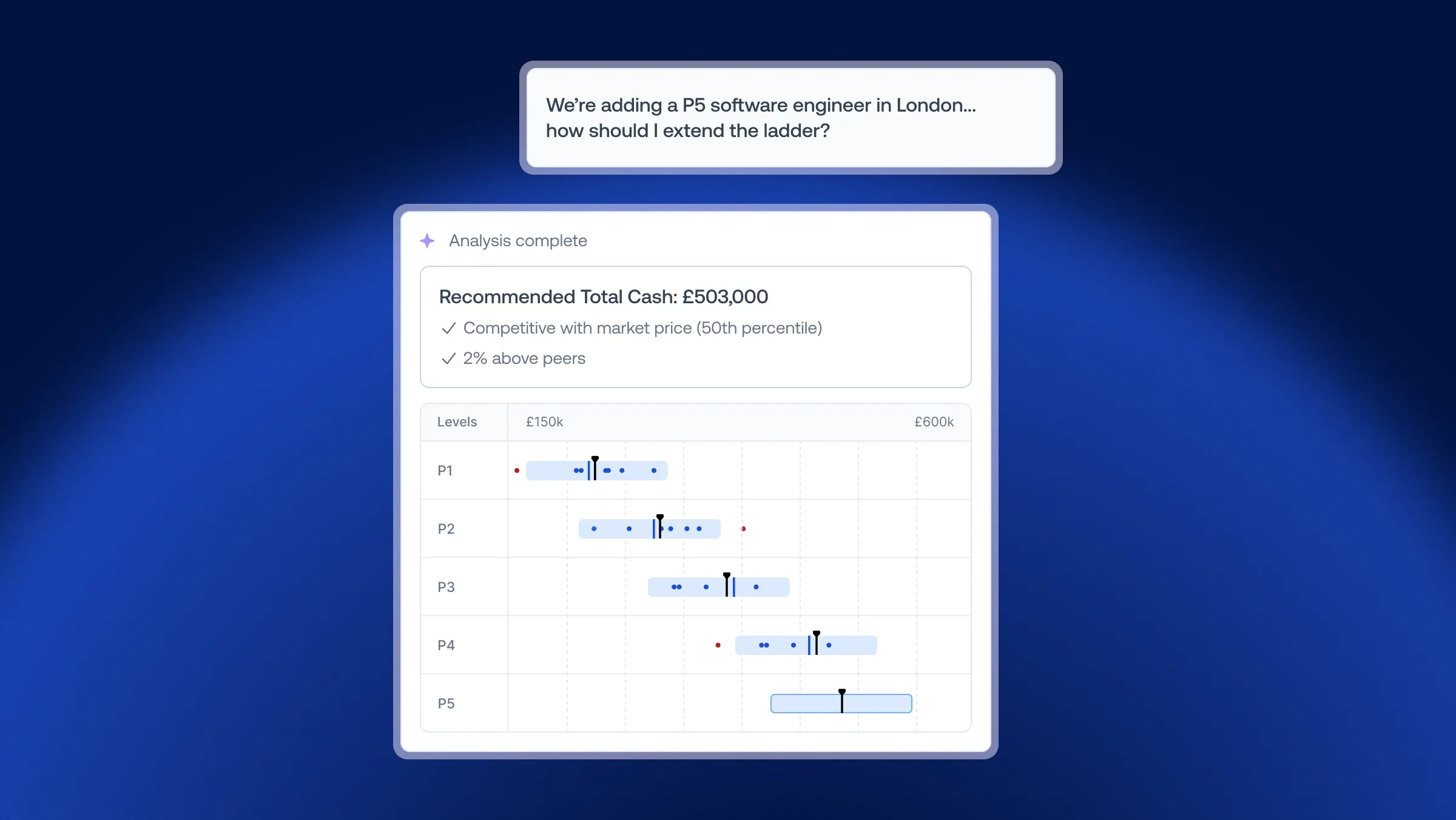
Review my job architecture and find job families whose market benchmark sits closer to the midpoint of a different grade than the one they're in. Show each job family on a horizontal grade ladder, and let me test moving a role up or down to see where it would fit.
What you'll get: a visual grade ladder with misaligned roles flagged, and a way to test a move before you make it.
A quick note: Moving a role between grades changes ranges, offers, and how employees in that role view their pay. Use this check to decide where to look more closely, then make decisions with the people who manage your structure.
Prompt 5: Surface employee risk
Some employees begin the cycle at a disadvantage: they’re below their band minimum, below market for their role, or earning almost as much as the people they manage. A standard merit increase usually won’t close these gaps, so they need a decision before the cycle starts.
Which employees are paid below their band minimum, or below market for their role, level, and location? Where do we have manager-to-report compression? Group the results by department and show the total cost to bring each group to band minimum.
What you'll get: a view of who is behind, grouped by department, with the cost to close each gap.
What to do with it: Share the department view with your HRBPs before planning begins, and decide whether to fund these adjustments within the merit budget or separately. That decision leads directly into the next post in this series.
When it's OK to use generic AI
General-purpose AI tools are helpful for writing things like a planner FAQ, a kickoff email, or a simple explanation of compa-ratio for new managers. We shared prompts for those tasks in 7 AI Prompts Every Compensation Analyst Should Know.
The five prompts above are different. They rely on your bands, your people, your market data, and your pay philosophy—things generic AI doesn’t have. That work is best handled by an AI compensation analyst that does.
Set your planning kickoff up for success
Run these five prompts and you'll walk into planning with a ranked list of issues, a clear picture of band health, the benchmarks worth a second look, the roles to re-slot, and the people who need attention before the first worksheet opens. That's your agenda for the next 60 days.
Every answer includes its sources, so if someone asks, "Where did this number come from?" you can show them. Pave Agent does the analysis and suggests where to act. Your team makes the decisions.
Already using Pave? See more ways to put Pave Agent to work on our Use Cases page.
See what Pave Agent finds in your own data. Book a demo to see how Pave Agent can support you this cycle.
More articles












































































See what Pave can do with your comp data.
Real-time market data, an end-to-end comp platform and the Pave Agent, on your own numbers.
Book a demo